How to Flash Zephyr RTOS on Windows: XIAO Boards Guide

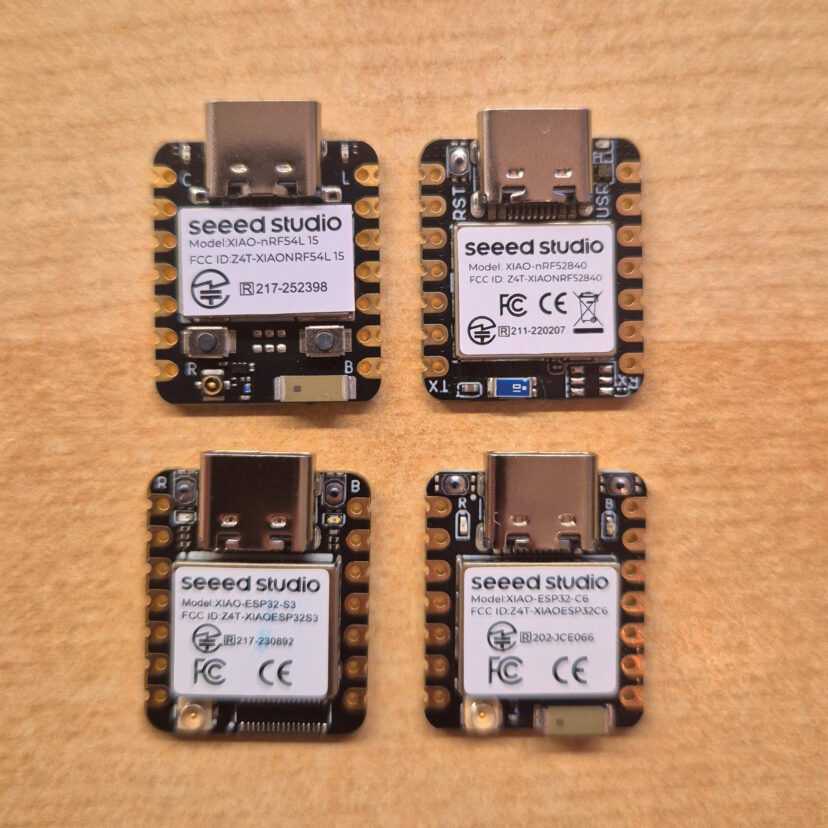
There is a growing interest in Zephyr RTOS within the embedded community. Unlike Arduino or ESP-IDF, Zephyr gives you a real hardware abstraction layer that lets you write firmware once and compile it for completely different microcontrollers without changing a single line of application code. Think of it as bringing Linux-style portability to the embedded world. That's exactly what I wanted to put to the test. I have four Seeed Studio XIAO modules on my bench: the nRF52840, nRF54L15, ESP32-S3, and ESP32-C6 and while they all share the same tiny 21×17.8 mm footprint and pinout, their cores are completely different. My goal is to benchmark their real-world power consumption and execution times using a single Zephyr firmware that compiles for all of them,…
1 Comment

How to flash Meshcore firmware

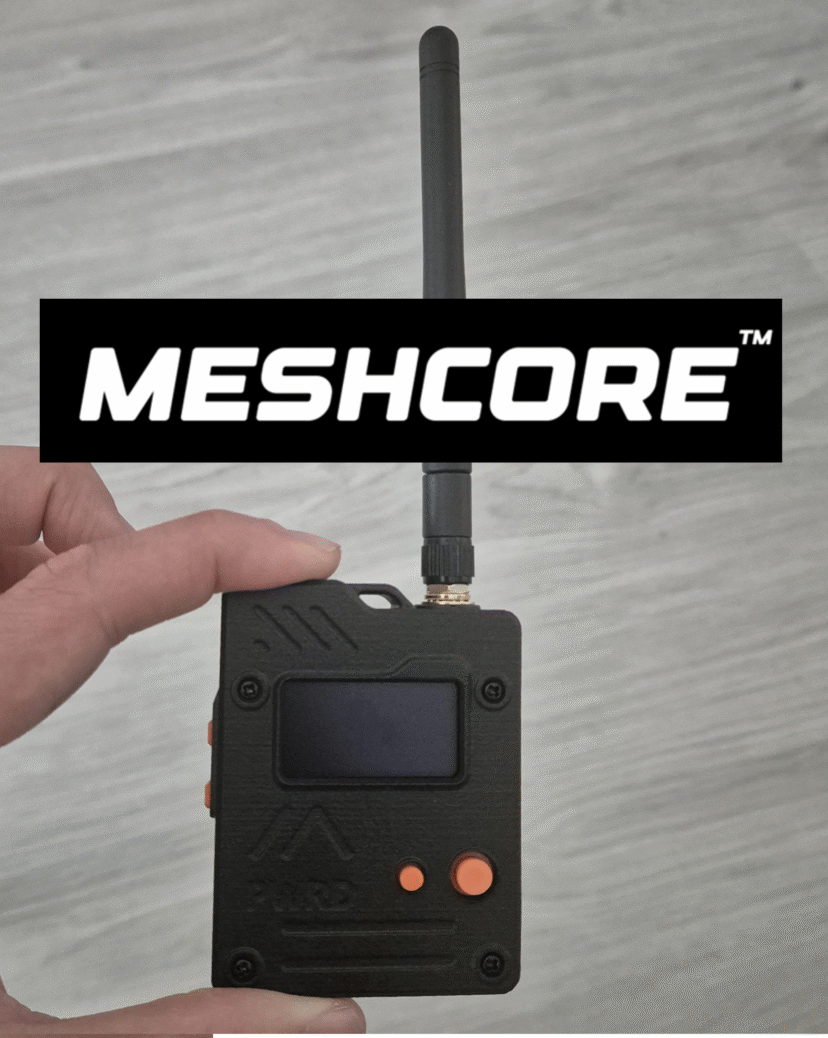
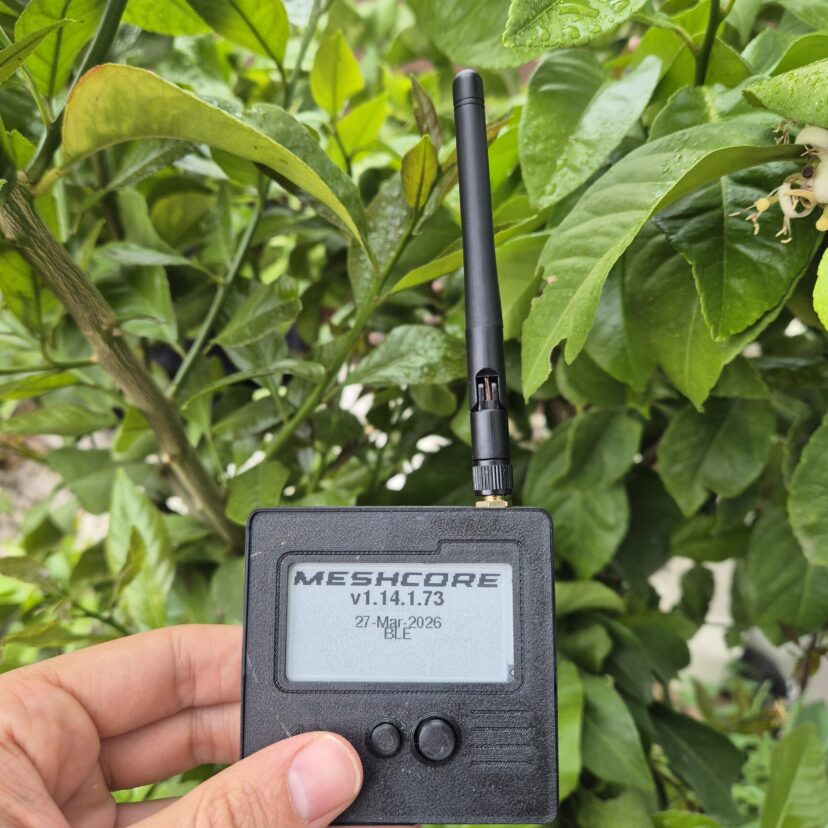
In this guide, I will explain how to flash Meshcore firmware onto any device. One thing that people might not know is that most of the devices that are sold with Meshthastic firmware, can be flashed with Meshcore firmware by following these steps.For this guide, I will be using the Seeed Wio Tracker L1 Pro module from SeeedStudio with the preloaded Meshtastic firmware, which is the model I have on hand. This is one of the devices that I was talking about in the previous paragraph. I bought it with Meshtastic firmware, but It supports firmware for both Meshcore and Meshtastic networks.Link to buy: Wio Tracker L1 Pro - Meshtastic [Aliexpress]Link to buy: Wio Tracker L1 Pro - Meshcore [Aliexpress]Link to buy: Wio…

1 Comment

MeshCore vs Meshtastic: Getting started with Seeed Studio LoRa hardware

Over the last few weeks, I’ve been analyzing LoRa networks (MeshCore and Meshtastic), trying to understand how they work and seeing how they perform in my local environment. I started with zero prior knowledge of the network, so in this post, I will try to explain the basic things for people who want to get started, providing a clear vision of how it works. I’ll answer several questions: the choice of protocol, the hardware I ended up using, and my first real impressions after setting it up. 1. Understanding the network There is a very common misunderstanding when someone first discovers LoRa mesh networks like Meshtastic or MeshCore. People assume they are a solution for setting up their own sensor network, independent of…

6 Comments

Best Logic Analyzers in 2026: A complete selection guide

In this post, I’ve put together a selection guide to help you choose the right logic analyzer based on your protocol requirements and budget. From my perspective, if you are working with electronic systems, across all levels of hardware, including entry-level microcontrollers (STM32, ESP32, Arduino) to SBCs (Raspberry Pi, BeagleBoard, etc.), a logic analyzer is a must tool in your lab.When you start looking for one, you'll notice a massive price gap depending on performance. While there is plenty of information online, most sources lack a deep technical comparison between the current models on the market.In this guide, I will break down the essential technical specs you must evaluate before purchasing. Following that, I’ll analyze several logic analyzers and their core features, concluding…

5 Comments

Serverless e-Ink Photo Frame: Using Google Drive for unlimited storage

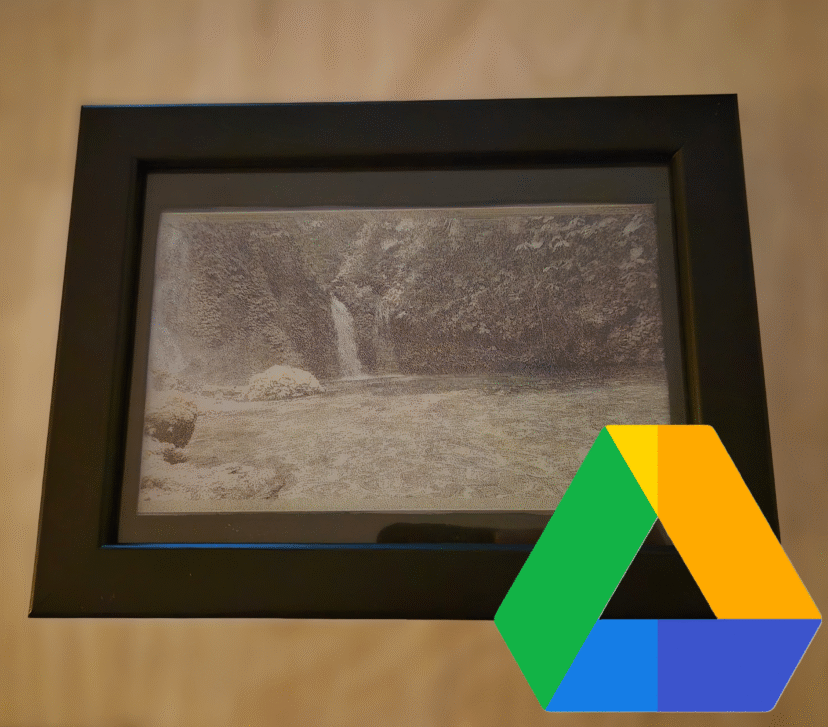
If you want to build your own e-Ink Photo Frame but want to forget about setting up local servers (Raspberry Pi, NAS, or Home Assistant) and don't want to rely on SD cards, this project is for you.The biggest hurdle when using e-Ink displays for photos is the infrastructure. Normally, you need a 24/7 dedicated server to process the images or pay for third-party services. Additionally, microcontrollers like the ESP32 face two critical constraints: Processing: Running a dithering algorithm (to adapt a real photo to the screen's limited color palette) is too heavy for an ESP32. Memory: High-quality images consume too much RAM during HTTP requests, often leading to crashes or overflow errors. To solve this, I decided to use Google Drive as…

1 Comment

Cheapest DIY E-Paper picture frame. Ikea Hack

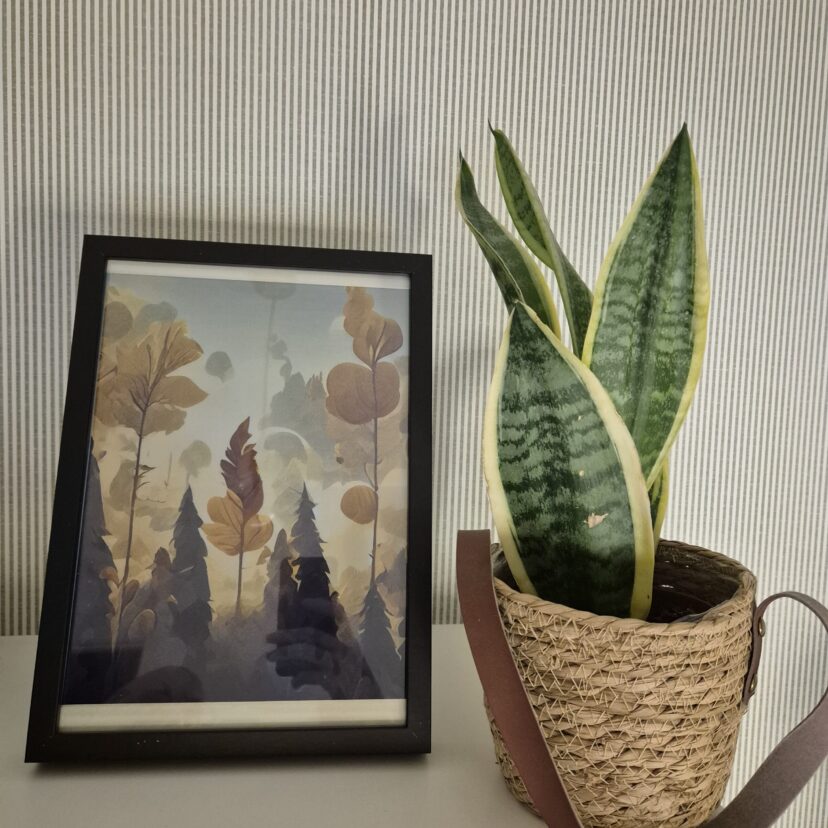
Digital e-paper frames have become very popular lately. They are the perfect addition to any desk or living room, but when I looked into buying one, the prices seemed completely out of orbit. We’re talking about extremely high prices for what they actually offer. I preferred to find a way to build my own: customizable and, above all, much more affordable and, why not, based on an IKEA frame that costs just a few euros.I found the 13.3-inch Spectra displays with support for up to 6 colors. While researching suppliers, I came across the XIAO ePaper DIY (EE02) kit from Seeed Studio. What’s interesting about this kit is that, besides the panel, it includes a controller board with everything you need to get…

3 Comments

How to Create a Custom RP2350 Magic Ball

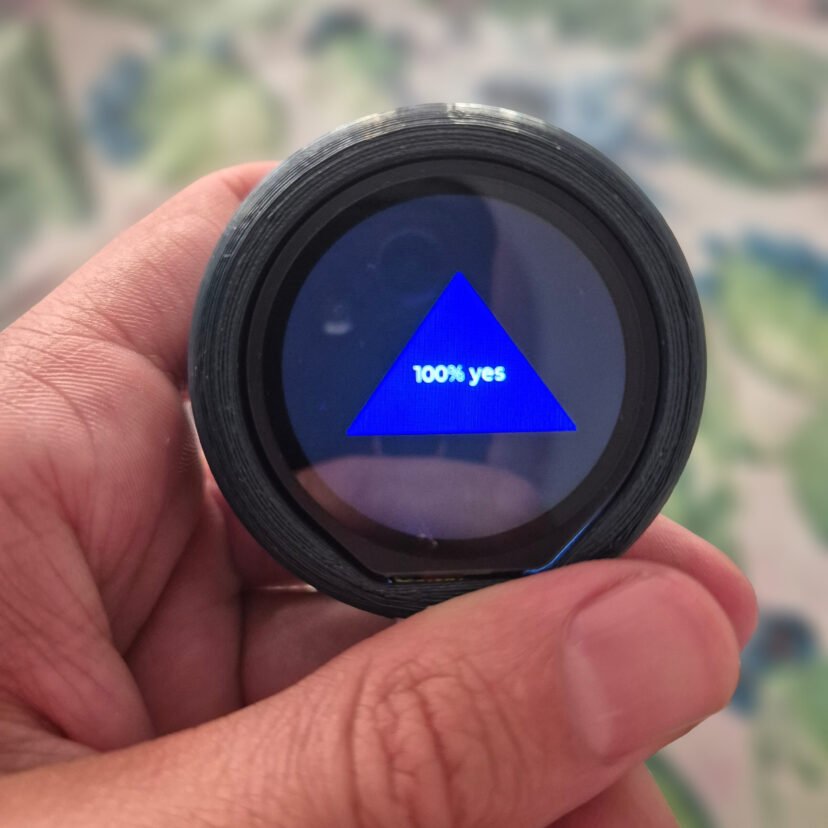
Over the last few weeks, I’ve been experimenting with round LCD displays to see what they can really do. The moment I held one in my hand, I had a total Toy Story flashback: Woody asking the Magic 8-Ball for advice.I never actually owned one as a kid, so I thought... why not build my own? But let's take it a step further. I’d like to have my own custom responses, and instead of relying on a random number generator to show the results, I want to implement something that simulates the physics of a real die.For those who don't know, the Magic Ball was invented in 1946. It is a ball with the appearance of a billiard ball containing an icosahedron floating in…

0 Comments

Arduino Uno Q: The Truth About its Boot-Up Performance

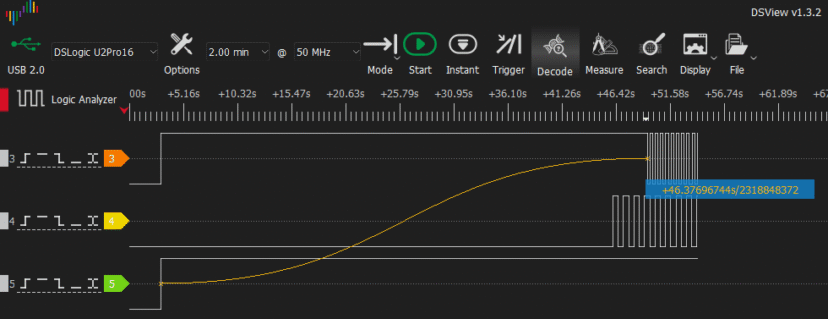
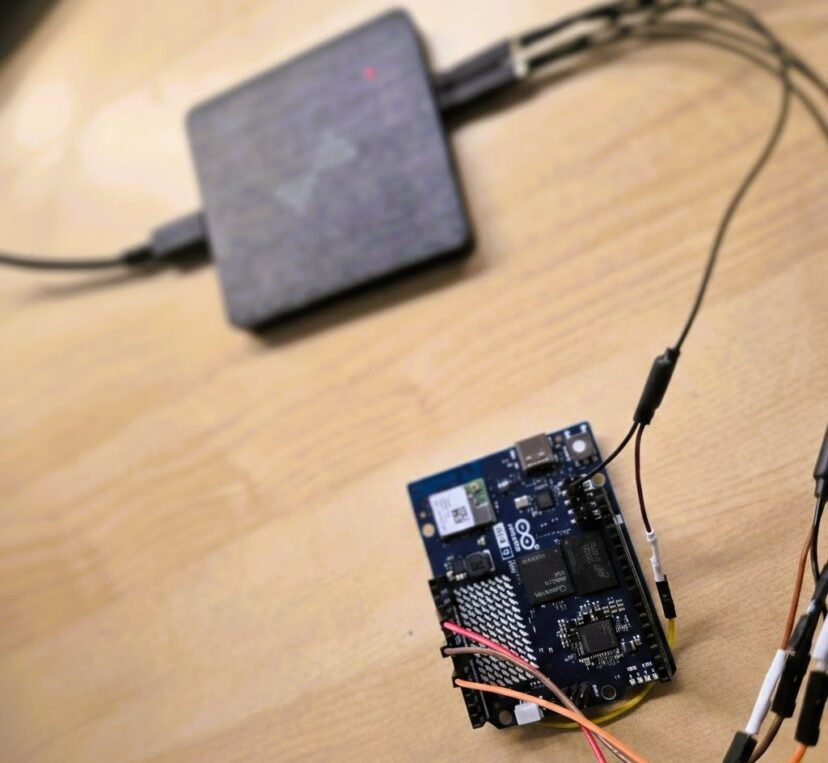
I’d seen a lot of conflicting info on various forums about the Arduino Uno Q's boot time. I decided to stop guessing and test it myself using my own setup to see exactly how long it takes from power-on until the first instruction of a sketch actually executes.In this article, I analyze the startup performance of the Arduino Uno Q boot. I’ll be measuring exactly how long it takes for the MCU sketch and the MPU Python script to execute from the moment the board receives power.Unlike theoretical analyses, I am using external signals and a logic analyzer to pinpoint when each processor begins execution and determine whether they start simultaneously.Specifically, I aim to answer: Does the MCU sketch start automatically? How long does…

2 Comments

Arduino Uno Q Communication: A Deep Dive into RPC

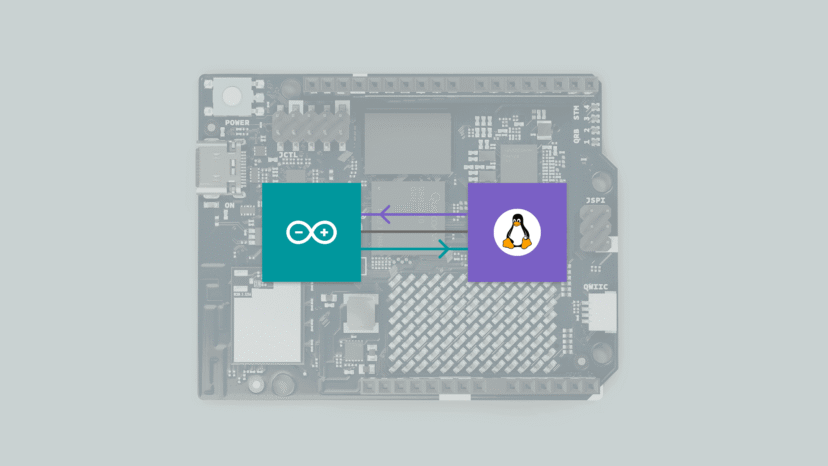
The communication system The Arduino Uno Q features a specialized communication method designed to handle data exchange between the MPU and the MCU. This system is based on RPC (Remote Procedure Call). In this post, we will explore the architecture, the protocol, and a hands-on example of how to send and receive commands. We'll even dive into a logic analyzer capture to see exactly how it works under the hood. Before proceeding with this post, I strongly recommend reading my previous review of the Arduino Uno Q: https://myembeddedstuff.com/arduino-uno-q-new-paradigm-review RPC Description Communication is based on RPC (Remote Procedure Call). This system operates like a sort of Router, hosted on the MPU as a service called Arduino-Router. It is responsible for creating and managing a connection table. This…

6 Comments

Arduino Uno Q: A New Paradigm.

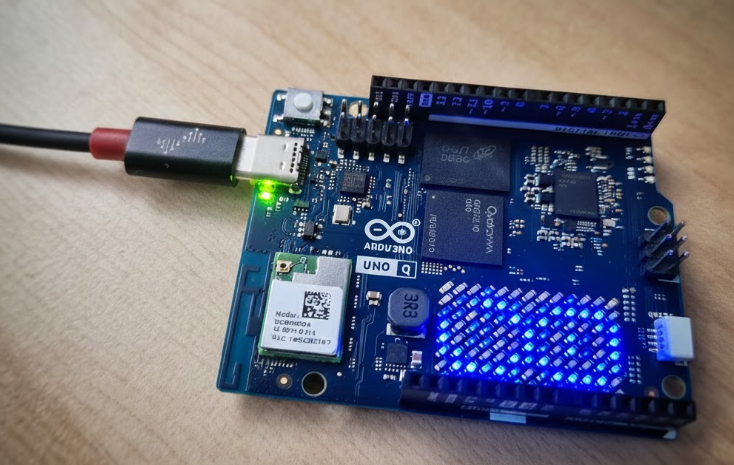
The new Arduino Uno Q marks a turning point for Arduino's product line following its acquisition by Qualcomm. In this post, I will discuss why this board is so significant, what it is composed of, and future lines. Description Following Qualcomm's acquisition of Arduino, we have seen a shift in their designs. The new Arduino Uno Q maintains the original Uno form factor, but its internal components are completely different: the famous ATmega chips have been left behind in favor of a totally new architecture. Architecture They have opted to assemble a high-performance MPU chip, the Qualcomm Dragonwing QRB2210, alongside a MCU the STM32U585 microcontroller. This brings it closer to the concept of an SBC (Single Board Computer), allowing the MPU to run…

3 Comments