MeshCore vs Meshtastic: Getting started with Seeed Studio LoRa hardware

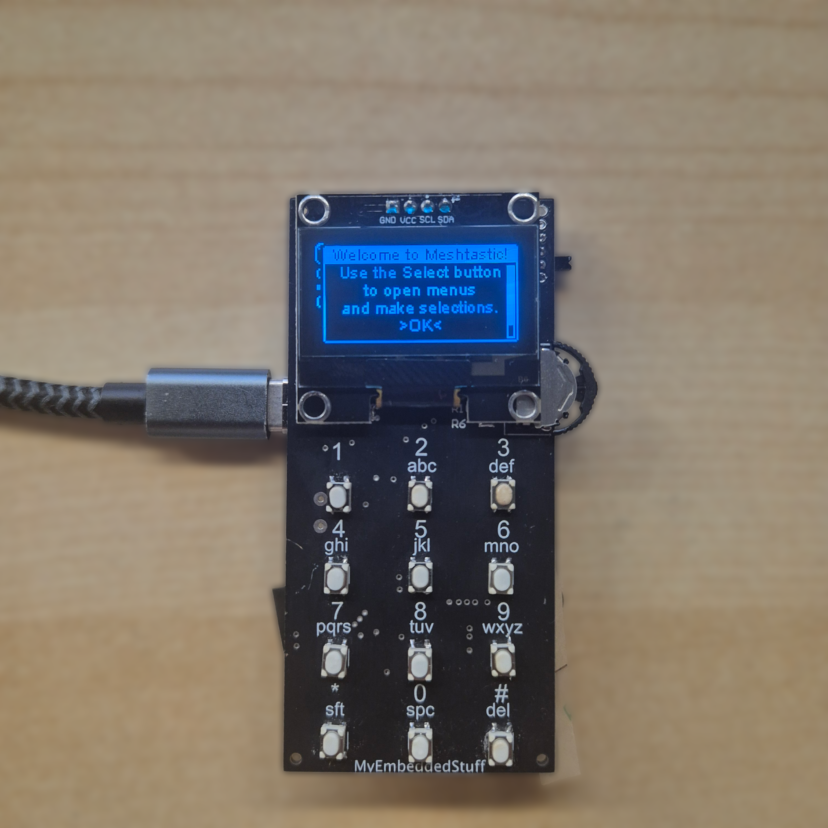
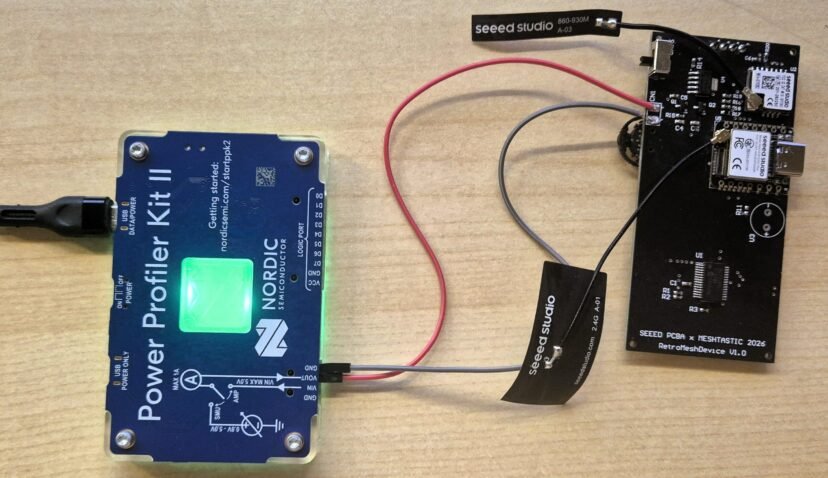
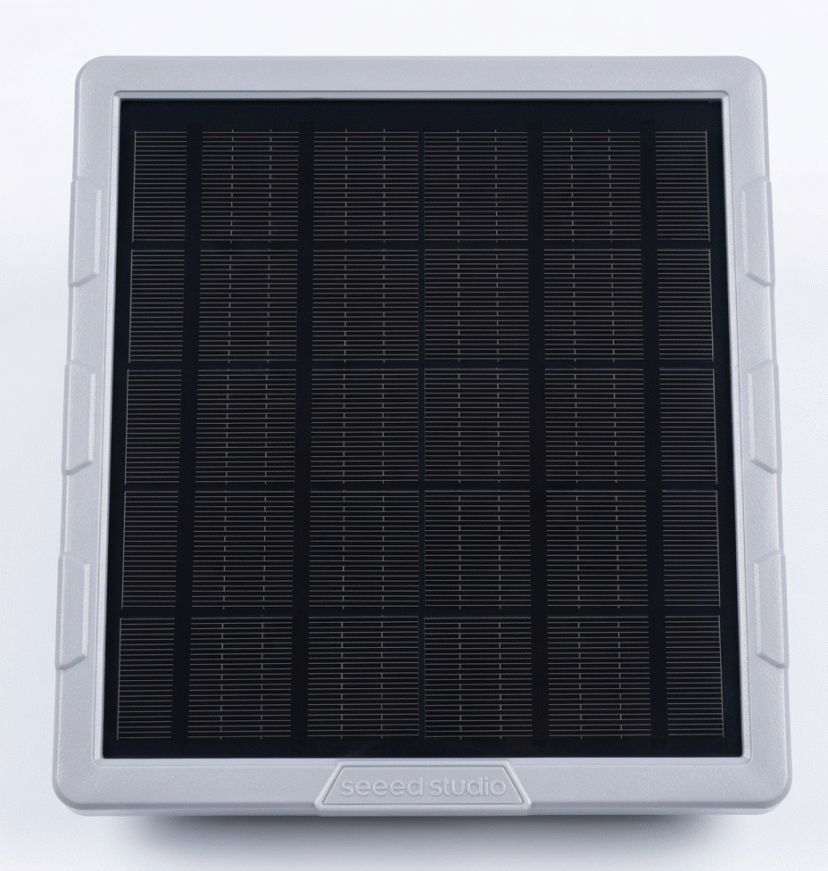
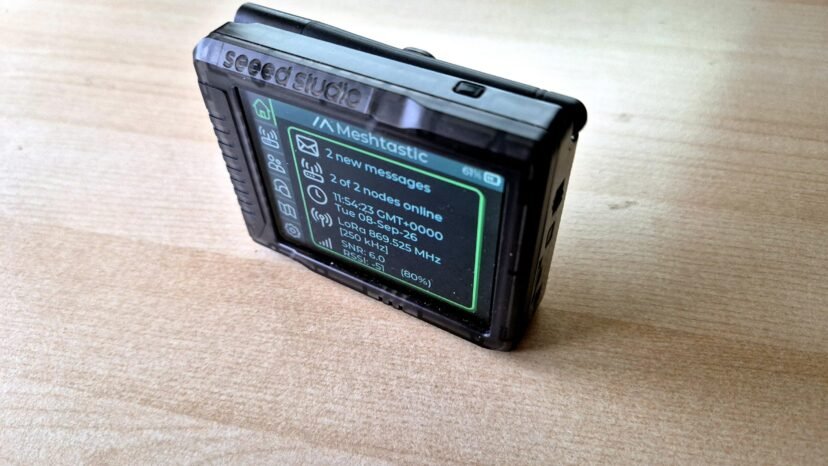
Over the last few weeks, I’ve been analyzing LoRa networks (MeshCore and Meshtastic), trying to understand how they work and seeing how they perform in my local environment. I started with zero prior knowledge of the network, so in this post, I will try to explain the basic things for people who want to get started, providing a clear vision of how it works. I’ll answer several questions: the choice of protocol, the hardware I ended up using, and my first real impressions after setting it up.I have structured this guide into the following points:Understanding the network.Meshtastic vs MeshCore: The key decision.HardwareConclusion. 1. Understanding the network There is a very common misunderstanding when someone first discovers LoRa mesh networks like Meshtastic or MeshCore.…

2 Comments

Best Logic Analyzers in 2026: A complete selection guide

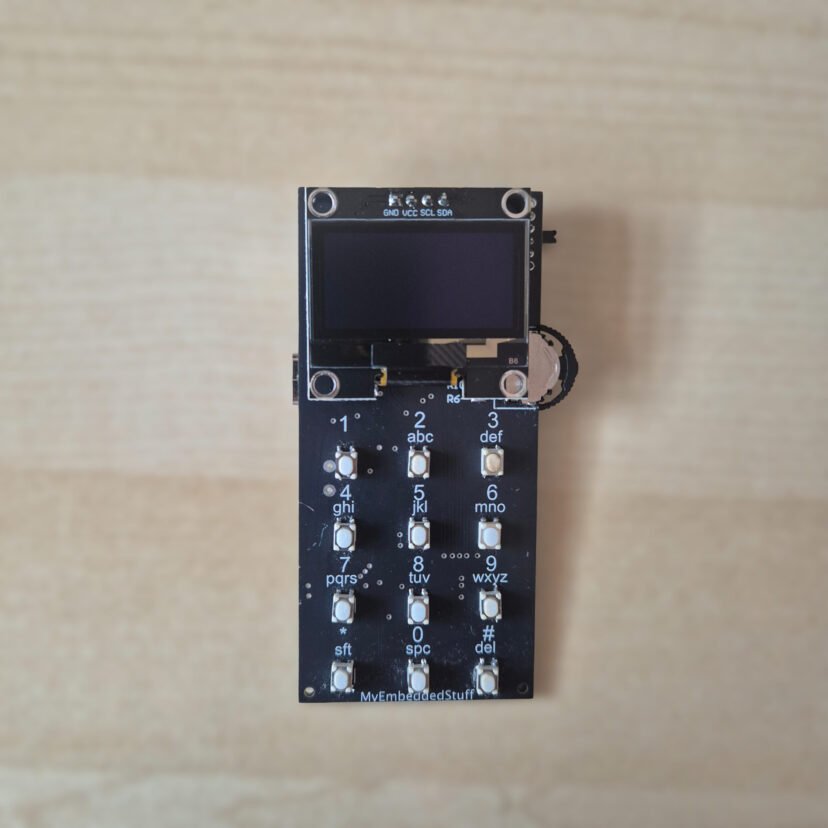
In this post, I’ve put together a selection guide to help you choose the right logic analyzer based on your protocol requirements and budget. From my perspective, if you are working with electronic systems, across all levels of hardware, including entry-level microcontrollers (STM32, ESP32, Arduino) to SBCs (Raspberry Pi, BeagleBoard, etc.), a logic analyzer is a must tool in your lab.When you start looking for one, you'll notice a massive price gap depending on performance. While there is plenty of information online, most sources lack a deep technical comparison between the current models on the market.In this guide, I will break down the essential technical specs you must evaluate before purchasing. Following that, I’ll analyze several logic analyzers and their core features, concluding…

0 Comments

Serverless e-Ink Photo Frame: Using Google Drive for unlimited storage

f you want to build your own e-Ink Photo Frame but want to forget about setting up local servers (Raspberry Pi, NAS, or Home Assistant) and don't want to rely on SD cards, this project is for you.The biggest hurdle when using e-Ink displays for photos is the infrastructure. Normally, you need a 24/7 dedicated server to process the images or pay for third-party services. Additionally, microcontrollers like the ESP32 face two critical constraints: Processing: Running a dithering algorithm (to adapt a real photo to the screen's limited color palette) is too heavy for an ESP32. Memory: High-quality images consume too much RAM during HTTP requests, often leading to crashes or overflow errors. To solve this, I decided to use Google Drive as…

1 Comment

Cheapest DIY E-Paper picture frame. Ikea Hack

Digital e-paper frames have become very popular lately. They are the perfect addition to any desk or living room, but when I looked into buying one, the prices seemed completely out of orbit. We’re talking about extremely high prices for what they actually offer. I preferred to find a way to build my own: customizable and, above all, much more affordable and, why not, based on an IKEA frame that costs just a few euros.I found the 13.3-inch Spectra displays with support for up to 6 colors. While researching suppliers, I came across the XIAO ePaper DIY (EE02) kit from Seeed Studio. What’s interesting about this kit is that, besides the panel, it includes a controller board with everything you need to get…

3 Comments

How to Create a Custom RP2350 Magic Ball (Elon Musk Edition)

Over the last few weeks, I’ve been experimenting with round LCD displays to see what they can really do. The moment I held one in my hand, I had a total Toy Story flashback: Woody asking the Magic 8-Ball for advice.I never actually owned one as a kid, so I thought... why not build my own? But let's take it a step further. Instead of the classic cryptic answers, why not get advice from Elon Musk, Clint Eastwood, or your favorite celebrity? That’s how the RP2350 Magic Ball project was bornFor those who don't know, the Magic Ball was invented in 1946. It is a ball with the appearance of a billiard ball containing an icosahedron floating in liquid. This icosahedron has answers…

0 Comments

Arduino Uno Q: The Truth About its Boot-Up Performance

I’d seen a lot of conflicting info on various forums about the Arduino Uno Q's boot time. I decided to stop guessing and test it myself using my own setup to see exactly how long it takes from power-on until the first instruction of a sketch actually executes.In this article, I analyze the startup performance of the Arduino Uno Q boot. I’ll be measuring exactly how long it takes for the MCU sketch and the MPU Python script to execute from the moment the board receives power.Unlike theoretical analyses, I am using external signals and a logic analyzer to pinpoint when each processor begins execution and determine whether they start simultaneously.Specifically, I aim to answer: Does the MCU sketch start automatically? How long does…

2 Comments

Arduino Uno Q Communication: A Deep Dive into RPC

The communication system The Arduino Uno Q features a specialized communication method designed to handle data exchange between the MPU and the MCU. This system is based on RPC (Remote Procedure Call). In this post, we will explore the architecture, the protocol, and a hands-on example of how to send and receive commands. We'll even dive into a logic analyzer capture to see exactly how it works under the hood. Before proceeding with this post, I strongly recommend reading my previous review of the Arduino Uno Q: https://myembeddedstuff.com/arduino-uno-q-new-paradigm-review RPC Description Communication is based on RPC (Remote Procedure Call). This system operates like a sort of Router, hosted on the MPU as a service called Arduino-Router. It is responsible for creating and managing a connection table. This…

2 Comments

Arduino Uno Q: A New Paradigm.

The new Arduino Uno Q marks a turning point for Arduino's product line following its acquisition by Qualcomm. In this post, I will discuss why this board is so significant, what it is composed of, and future lines. Description Following Qualcomm's acquisition of Arduino, we have seen a shift in their designs. The new Arduino Uno Q maintains the original Uno form factor, but its internal components are completely different: the famous ATmega chips have been left behind in favor of a totally new architecture. Architecture They have opted to assemble a high-performance MPU chip, the Qualcomm Dragonwing QRB2210, alongside a MCU the STM32U585 microcontroller. This brings it closer to the concept of an SBC (Single Board Computer), allowing the MPU to run…

3 Comments

Beyond 6 Colors: Exploring Dithering on Spectra 6-color E-Ink Displays

I have tested the XIAO ePaper DIY Kit (ESP32-S3) - EE04 from Seeed Studio in depth. While its 6-color Spectra 6 display is impressive out of the box, I wanted to see if software could overcome hardware limitations. In this post, I’ll share how I’ve pushed this hardware to its limits by using dithering techniques to simulate an entirely new range of color tones and shades. This post is divided into the following sections: Hardware Analysis How SPECTRA 6 E-INK Works The Challenge of SPECTRA 6 Conclusion Hardware Analysis The hardware is composed of two elements. The first one is the controller board. It features several push buttons, an ON/OFF switch and a charging circuit to power the device via battery and charge…

6 Comments

Developing an E-Paper Dashboard with Arduino and the reTerminal E1001 (Step-by-Step Guide)

Thanks to the good reception of the previous post, where I described my project of an e-ink dashboard to visualize events and weather using the E1001 terminal from SeeedStudio, in this guide, I will explain step-by-step how to flash your own customized terminal. Additionally, I'll leave a few links in case you haven't acquired the terminal yet. LINK: [https://s.click.aliexpress.com/e/_c39JPkAd]  [https://www.seeedstudio.com/reTerminal-E1001-p-6534.html?sensecap_affiliate=roDgS6q&referring_service=link] SeeedStudio link with discount applied at the end.  If you haven't seen my previous post, I recommend reading it: I explain good design practices that can be very useful for future embedded systems engineering projects. https://myembeddedstuff.com/dashboard-arduino-e1001 1. Installing the Arduino IDE We need the IDE to compile the code and adapt it to your Google Calendar, location, and other parameters. Guide and download…

0 Comments