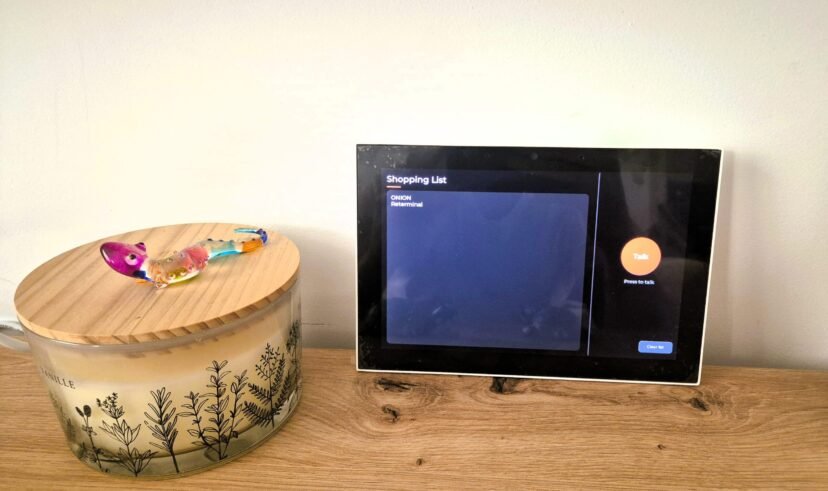
How to Build a Voice Shopping List in Home Assistant (reTerminal D1001)
One of the things I always wanted since setting up my own Home Assistant server was a shopping list where I could easily add items by voice, edit them, and have it synced with my smartphone so I could check it from the supermarket. And all of this without depending on Alexa.In this post I'll explain how I built my own using a reTerminal D1001. Why I stopped using Alexa for the shopping list When I tried adding Alexa to Home Assistant, I always ran into problems. Ever since they cut part of its integration with Home Assistant, you have to rely on several skills to get it working, and it never quite worked well for me. I tried the AnyList skill, but…
0 Comments
September 7, 2026