Arduino Uno Q: The Truth About its Boot-Up Performance

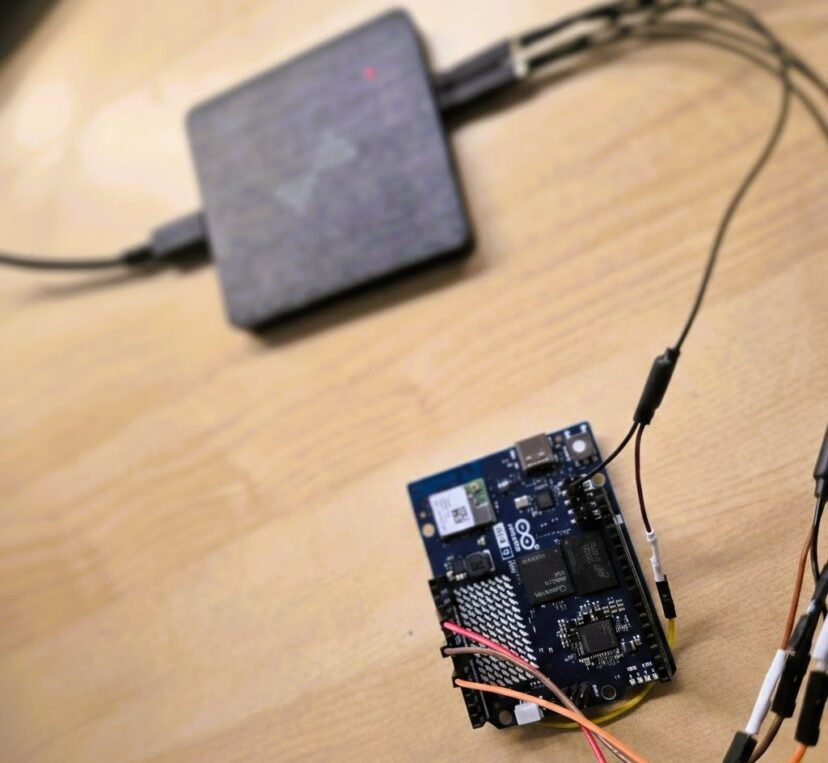
I’d seen a lot of conflicting info on various forums about the Arduino Uno Q's boot time. I decided to stop guessing and test it myself using my own setup to see exactly how long it takes from power-on until the first instruction of a sketch actually executes.In this article, I analyze the startup performance of the Arduino Uno Q boot. I’ll be measuring exactly how long it takes for the MCU sketch and the MPU Python script to execute from the moment the board receives power.Unlike theoretical analyses, I am using external signals and a logic analyzer to pinpoint when each processor begins execution and determine whether they start simultaneously.Specifically, I aim to answer: Does the MCU sketch start automatically? How long does…

1 Comment

Beyond 6 Colors: Exploring Dithering on Spectra 6-color E-Ink Displays

I have tested the XIAO ePaper DIY Kit (ESP32-S3) - EE04 from Seeed Studio in depth. While its 6-color Spectra 6 display is impressive out of the box, I wanted to see if software could overcome hardware limitations. In this post, I’ll share how I’ve pushed this hardware to its limits by using dithering techniques to simulate an entirely new range of color tones and shades. This post is divided into the following sections: Hardware Analysis How SPECTRA 6 E-INK Works The Challenge of SPECTRA 6 Conclusion Hardware Analysis The hardware is composed of two elements. The first one is the controller board. It features several push buttons, an ON/OFF switch and a charging circuit to power the device via battery and charge…

5 Comments

Project: Developing an E-Paper Dashboard with Arduino and the reTerminal E1001 (Step-by-Step Guide)

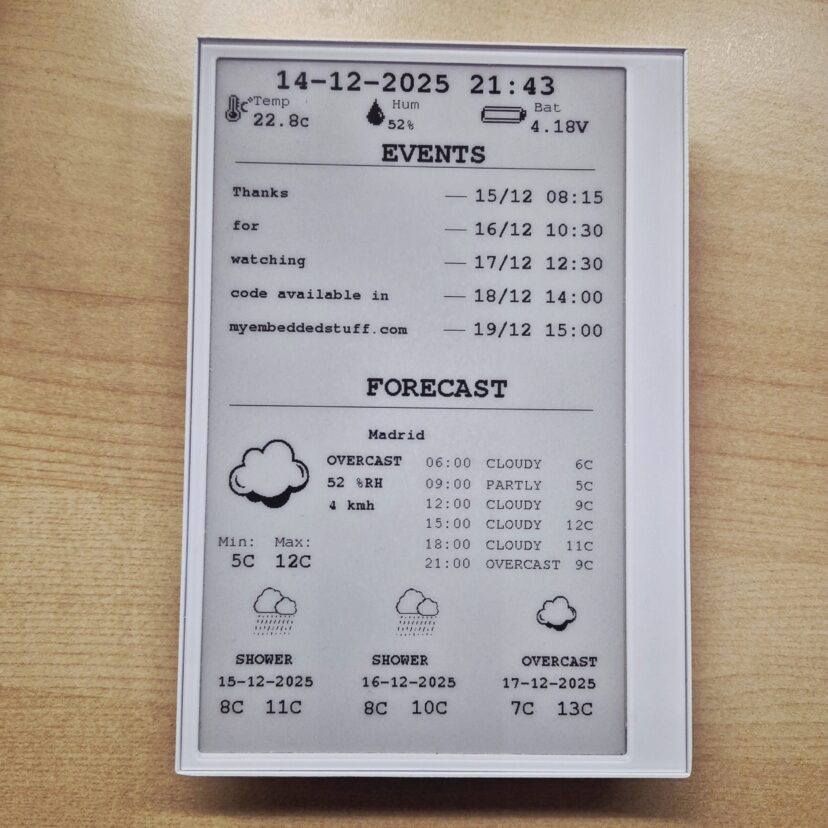
Thanks to the good reception of the previous post, where I described my project of an e-ink dashboard to visualize events and weather using the E1001 terminal from SeeedStudio, in this guide, I will explain step-by-step how to flash your own customized terminal. Additionally, I'll leave a few links in case you haven't acquired the terminal yet. LINK: [https://s.click.aliexpress.com/e/_c39JPkAd]  [https://www.seeedstudio.com/reTerminal-E1001-p-6534.html?sensecap_affiliate=roDgS6q&referring_service=link] SeeedStudio link with discount applied at the end.  If you haven't seen my previous post, I recommend reading it: I explain good design practices that can be very useful for future embedded systems engineering projects. https://myembeddedstuff.com/dashboard-arduino-e1001 1. Installing the Arduino IDE We need the IDE to compile the code and adapt it to your Google Calendar, location, and other parameters. Guide and download…

0 Comments

Secure Bootloader Design: A Complete Guide for Embedded Systems

INTRODUCTION The bootloader is a very important part of embedded systems. It doesn’t always have to be present, but in most commercial embedded products it’s an essential component. Keep reading and I’ll explain why. A bootloader is essentially an additional piece of firmware, separate from our main application that we program into the device through a programmer (for example via JTAG) to handle very specific tasks like mainly updating the system so we don’t have to rely on JTAG programming once the device is deployed in the field. It’s often said that it’s the first piece of code executed by the microcontroller, which isn’t entirely accurate. What we (as users) typically flash is the User Bootloader. Meanwhile, the chip manufacturer usually preloads a…

0 Comments