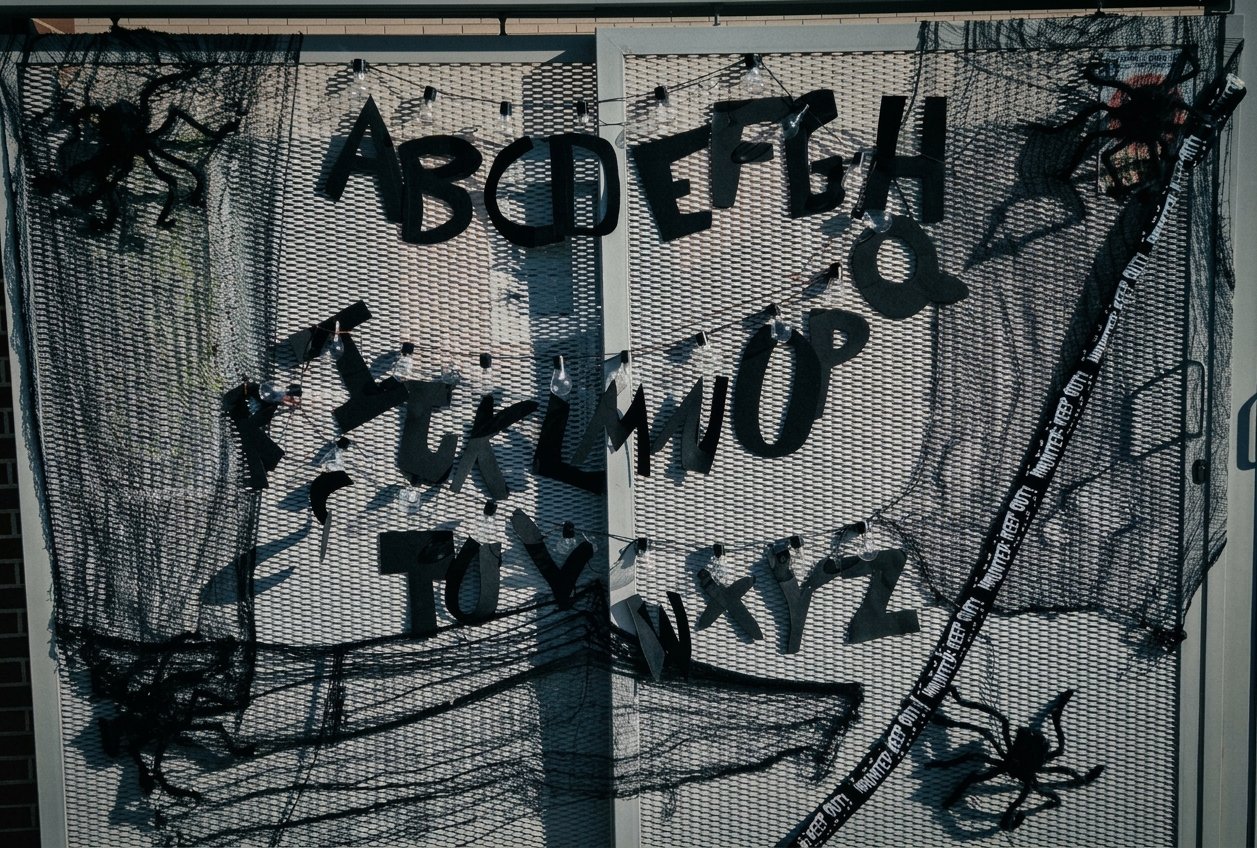
For Halloween I wanted to build something with my little daughter. Last Christmas I saw that Madrid had set up the Stranger Things letters on a street, lighting up to send a message. I thought it wasn’t a complicated project and it would look great as a decoration at home for Halloween. It was also something simple we could do together, and a microcontroller made it easy to automate and control. All it takes is a XIAO ESP32-S3 and some WS2812B LEDs.
It turned out pretty well, so here’s how I did it.
The hardware
The brain is a XIAO ESP32-S3 from Seeed Studio.
- Click to but. [SeeedStudio]
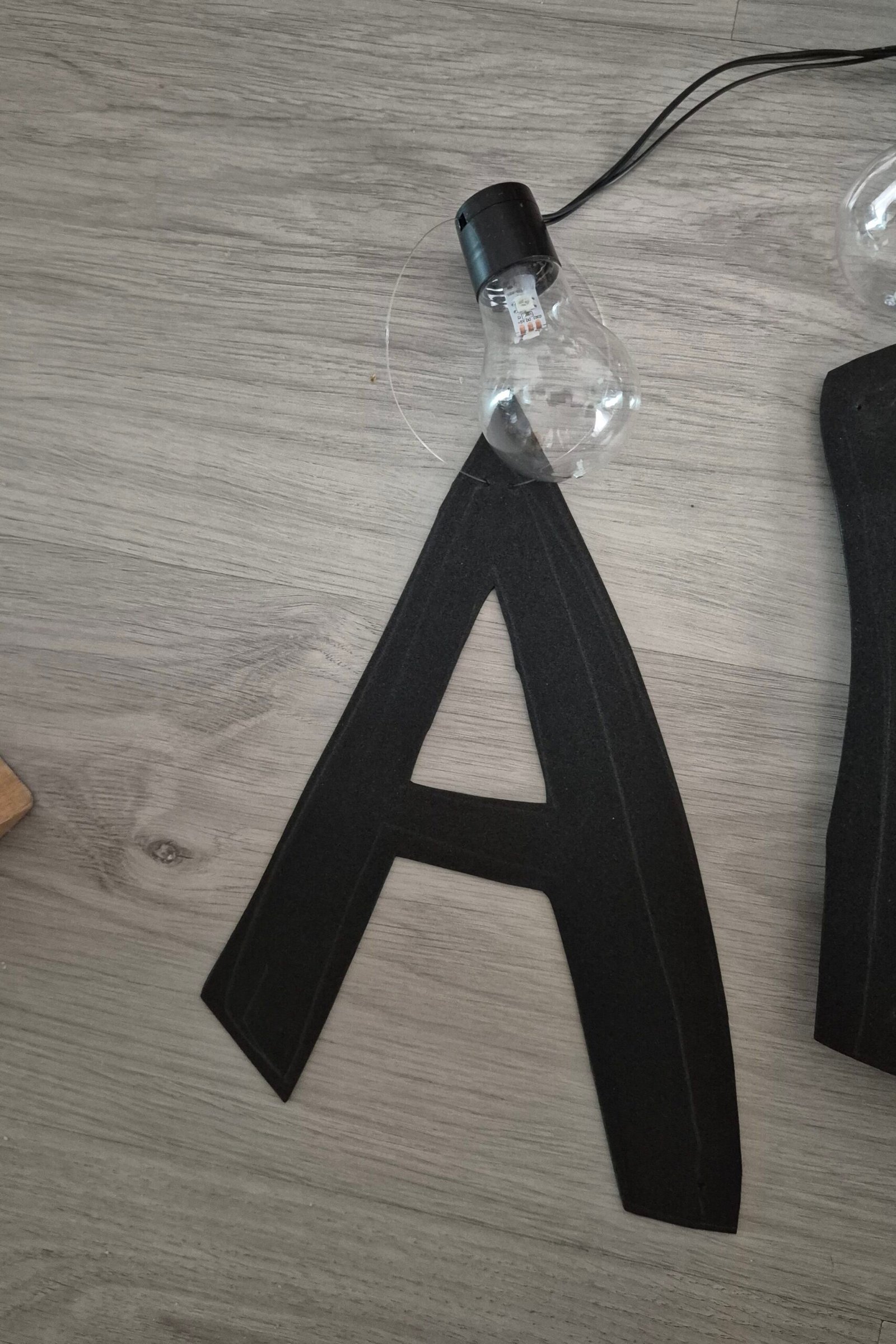
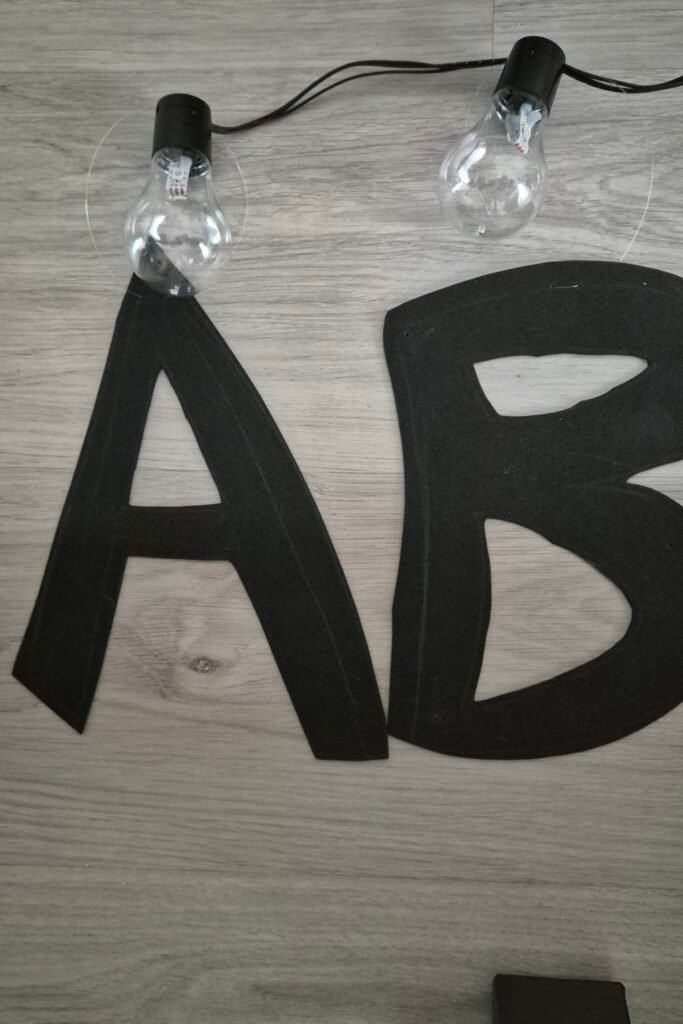
The bulbs come from a string light set I bought at a local shop. I took them apart because they had regular LEDs inside (not addressable), kept the wires, and put two WS2812B in each one. They come from a strip I bought separately and cut into pieces. Two LEDs per bulb gives plenty of light. With 26 letters, that makes 52 LEDs in total.
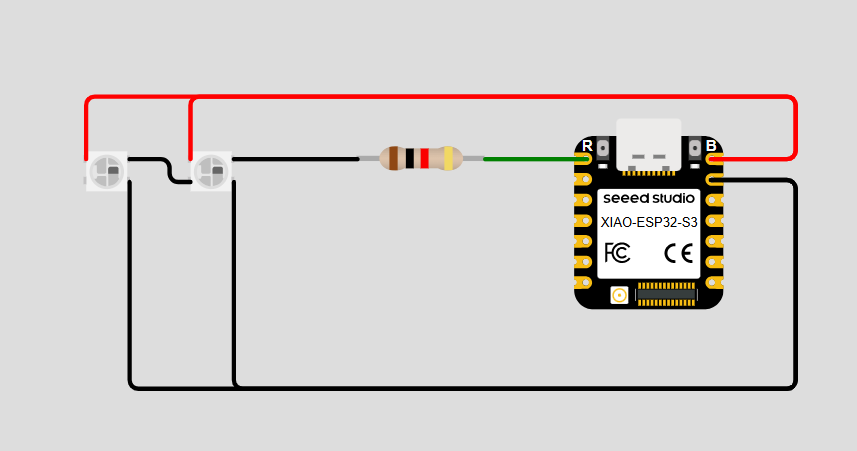
The WS2812B are all chained together, so you only need one data pin. Power (5VDC) and GND are routed directly from the XIAO ESP32-S3 to the LEDs. They’re connected to pin D0, and I added a 470 Ohm series resistor on the data line, close to the first LED. The output of this resistor connects to the DIN pin of the first LED, and the rest of the bulbs are daisy-chained by wiring the Data Out (DO) of each LED to the Data In (DIN) of the next. It dampens spikes and reflections in the signal, which can make the LEDs flicker or hurt the first one over time. It costs a few cents and saves headaches. Since only one letter/bulb is lit at a time during the sequences, power can be drawn directly from the 5V pin on the XIAO ESP32-S3 without needing an external power supply.
The schematic is here:
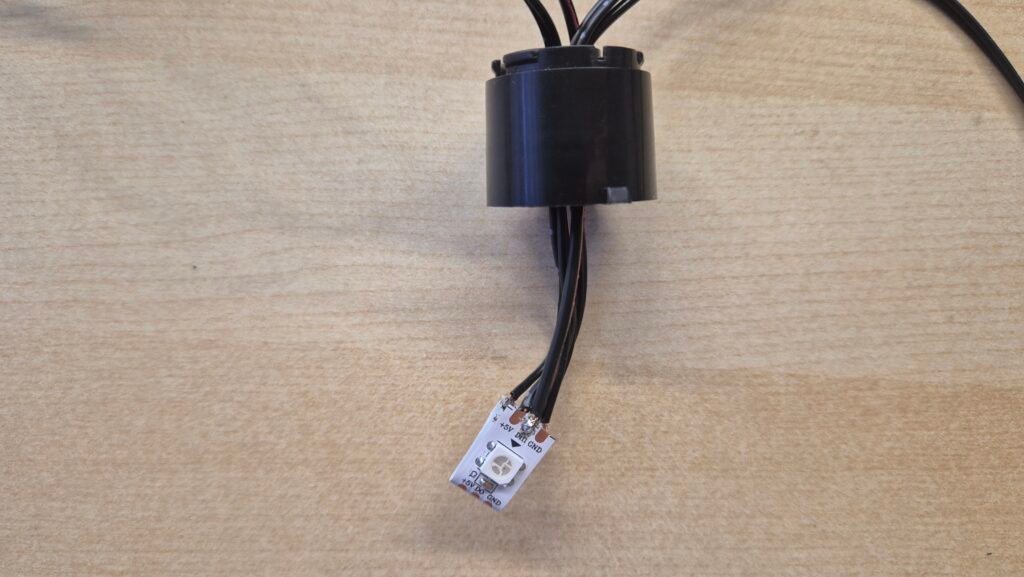
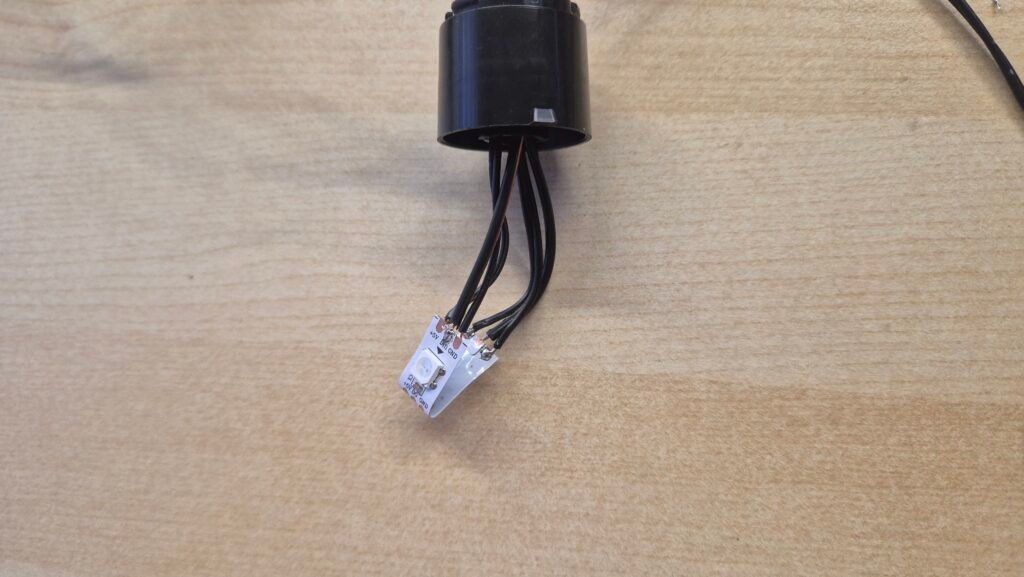
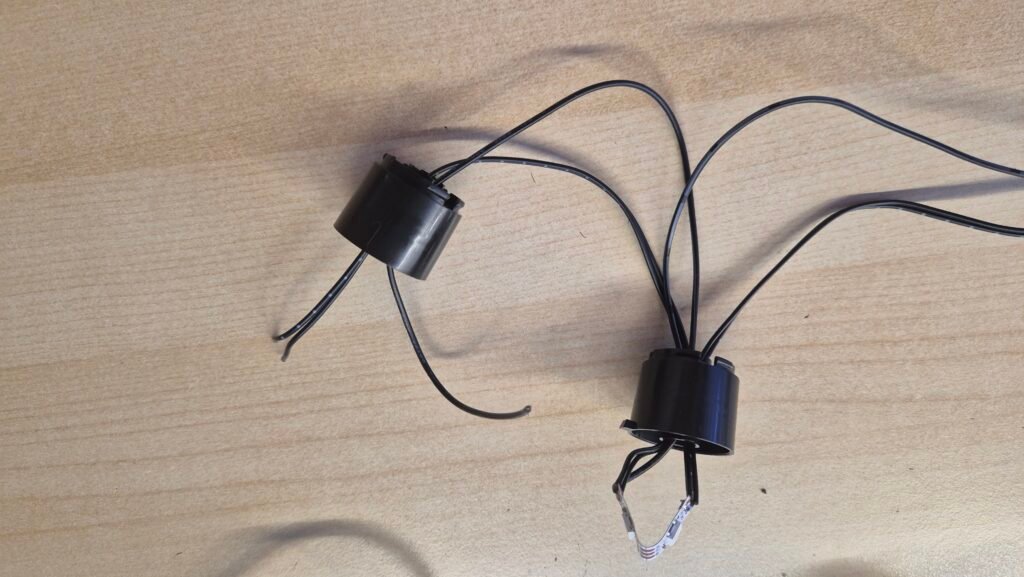
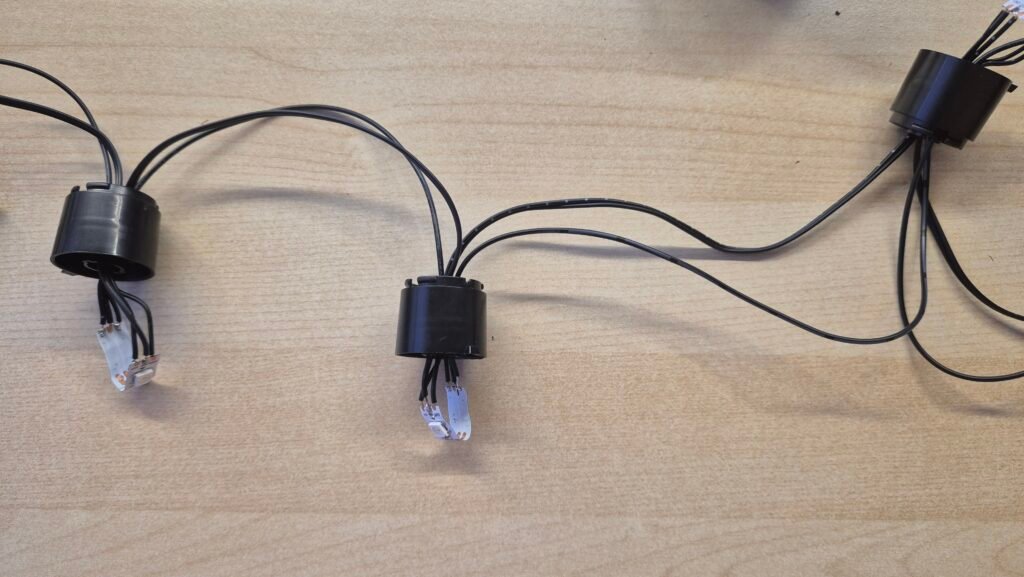
The letters themselves are cut out from EVA foam, and we strung them together using transparent fishing line to hang them up cleanly.
How it works
Flash your XIAO ESP32-S3. The bin file is available in the following repository: [Github repository]
esptool.py -p /dev/ttyACM0 write_flash 0x0 firmware.bin
The ESP32-S3 starts a WiFi access point. Connect to it from your phone with these credentials:
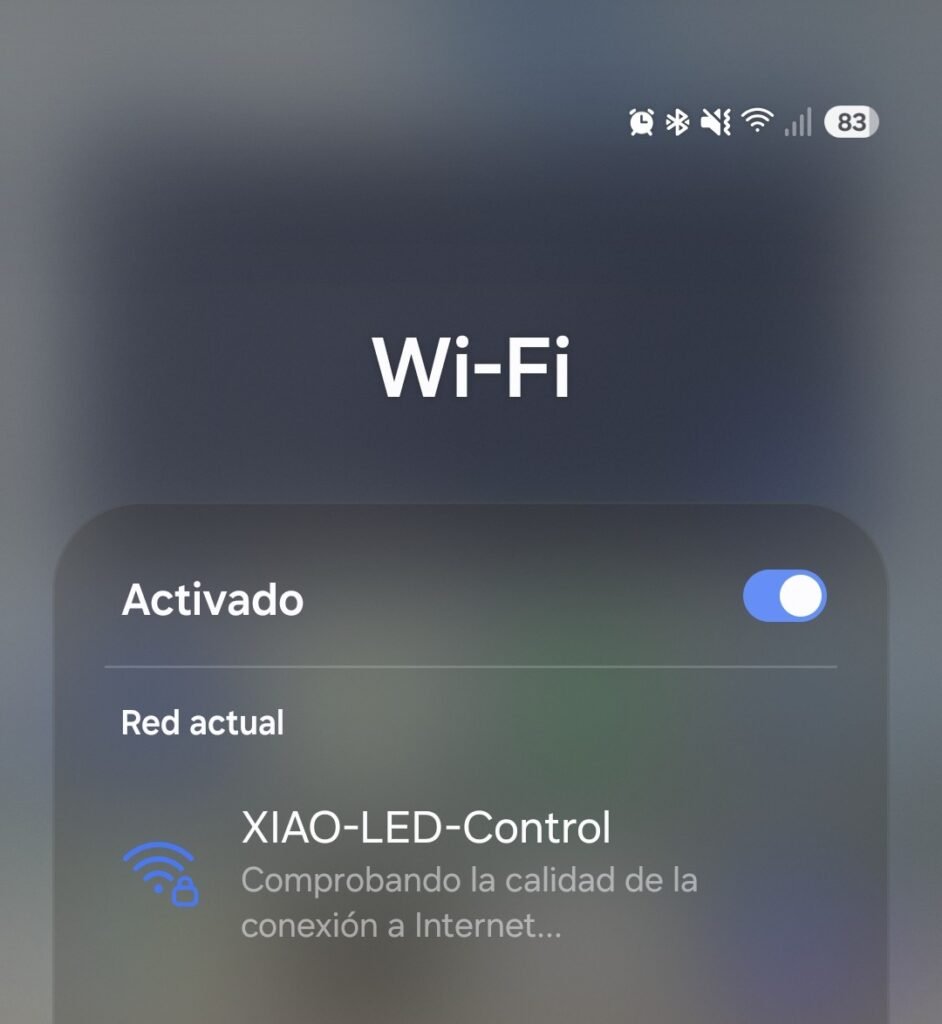
- SSID: [XIAO-LED-Control]
- Password: [led12345]
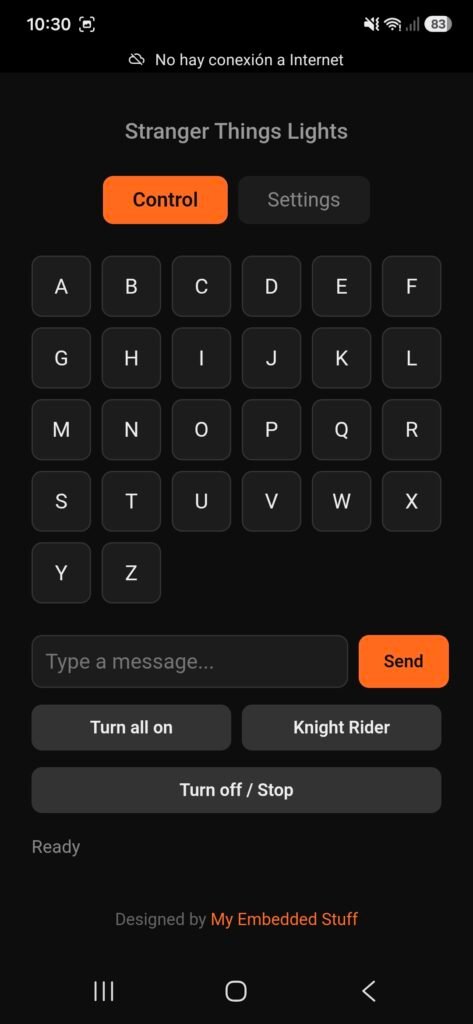
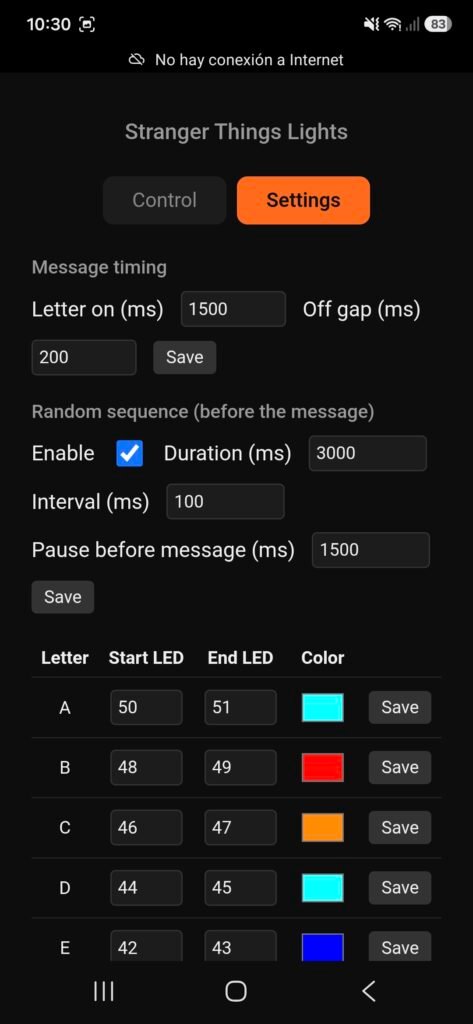
Once connected, open [192.168.4.1] in your browser. It’s a web page served by the ESP32 itself, so you don’t need internet or anything else.
From there you can light up any letter you want, send a message (it plays a light sequence first, very much in the style of the show), or run the Knight Rider effect, because it had to be there. It also helped me test all the lights quickly while I was building it. The sequence flickers random letters for a few seconds, then everything goes dark for a moment and the message plays letter by letter. You can switch the flicker on or off in the configuration.
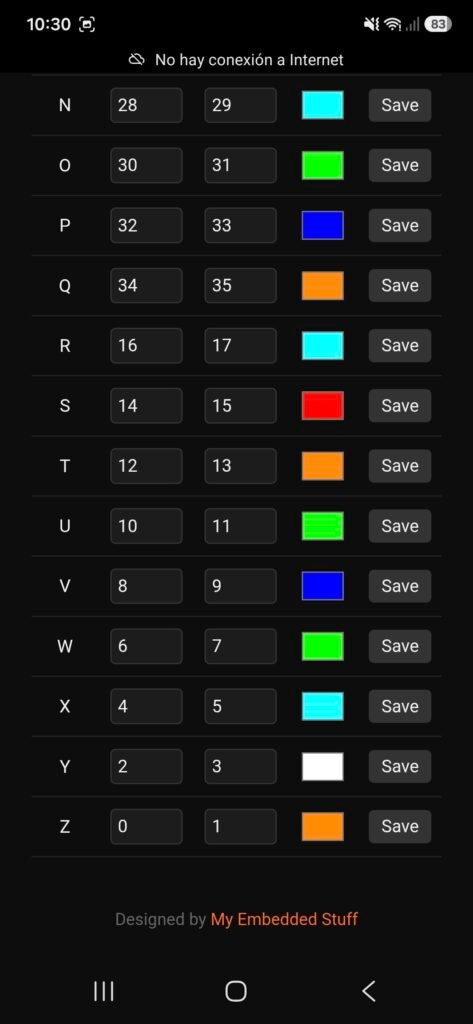
Everything is configurable. You decide which LED is each letter, so it doesn’t matter in which order you place the bulbs, and the delay and on-time are adjustable too. You can also set the color of each letter and the gap between letters, so a double letter like “LL” reads as two flashes. Everything is saved on the board, so it survives a power cut.
Build your own
It’s a weekend build. The components cost a few euros, and the rest is a couple of hours of cutting EVA foam and soldering LEDs, which was the part my daughter liked most.
Because you map each letter to its LEDs from the web interface, you don’t have to worry about the order of the bulbs while stringing them up. If you get it wrong, fix it from your phone instead of re-soldering.
If you build one and have any questions, leave them in the comments.
If you like this kind of project, I write about ESP32, Meshtastic, LoRa and embedded hardware builds. Subscribe to the newsletter and the next ones will land in your inbox.